

Your Shopify store, as a native mobile app.
Launch on iOS and Android in 2 to 3 weeks from kickoff, on a fixed scope. The commerce foundation is already built, so the work goes into your brand.
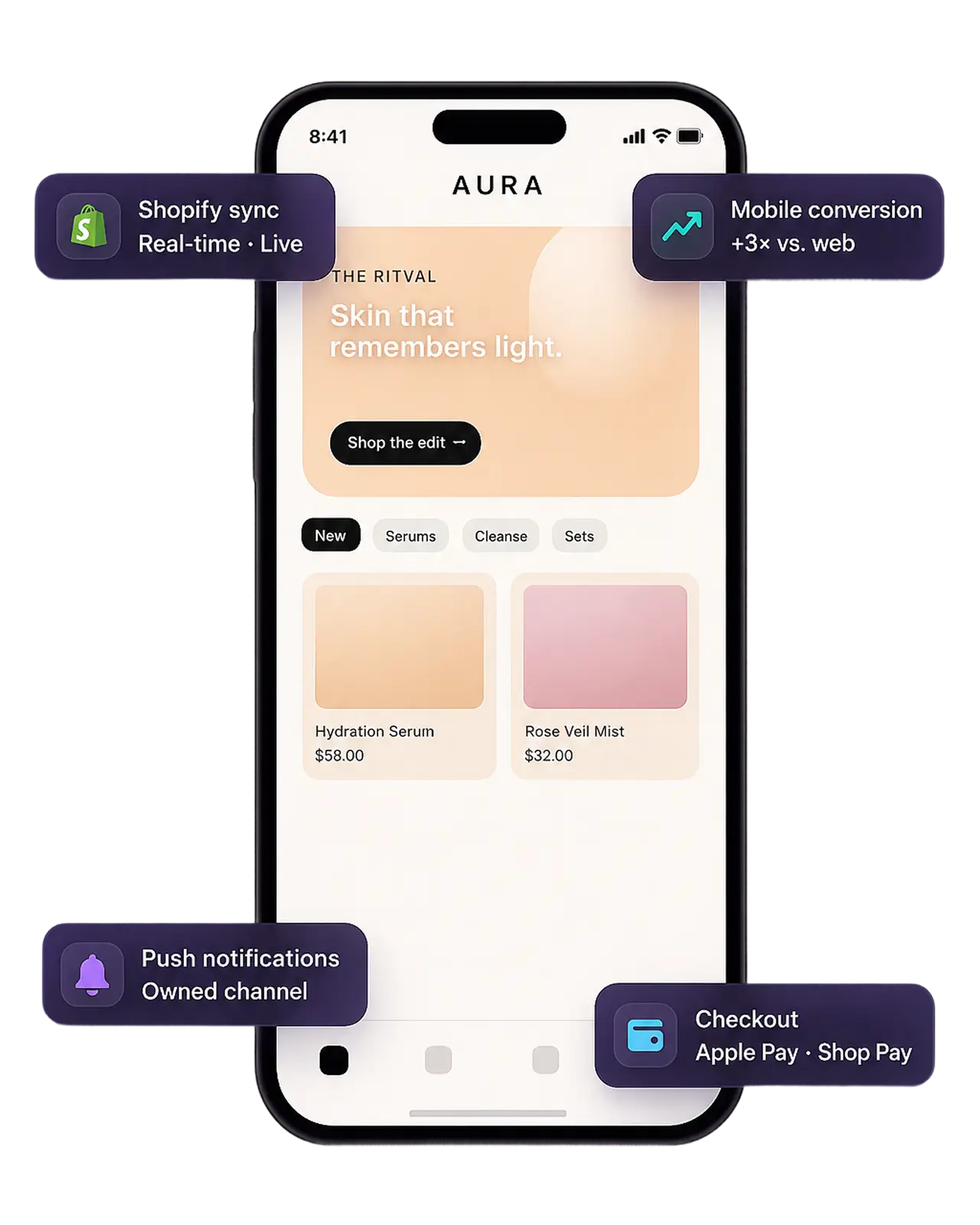
- 2 to 3 weeks from kickoff
- Fixed scope, one price
- Direct Storefront API, no parallel backend
Stop rebuilding mobile commerce infrastructure
Every mobile commerce project rebuilds the same things. Cart. Checkout. Authentication. Order history. Product variants. None of it is differentiating, and all of it takes months.
StorefrontOS ships that foundation production-ready and synchronized with Shopify. What remains is the part that is actually yours: how the store looks, how it merchandises, and how it speaks.
- Launch in 2 to 3 weeks from kickoff
- Roughly 80% less engineering scope, focused on brand rather than plumbing
- One price for the scope you signed, with no change-order surprises
- Direct Storefront API integration, so there is little new backend to run
- An owned customer channel, independent of marketplace apps
StorefrontOS, or building it again
| Dimension | Building from scratch | On StorefrontOS |
|---|---|---|
| Time to launch | 3 to 6 months from kickoff, every project, because the foundation is rebuilt each time. | 2 to 3 weeks from kickoff. The production foundation exists on day one. |
| What the engineering buys | Cart, checkout, auth, variants, and order history, built from zero. | Brand, content, and merchandising. Roughly 80% less scope, aimed at the part that is yours. |
| How it is priced | An estimate, plus the change orders nobody warned you about. | Fixed scope, one price, agreed before work starts. |
| The backend you run | A parallel commerce backend to design, secure, and scale. | None. Native clients read the Shopify Storefront API directly. |
| Who owns maintenance | You do, and it compounds. Every OS release is another sprint. | We do. OS updates, SDK changes, and security patches come with the platform. |
| Where the catalog lives | Synced into a second system, then reconciled when the two disagree. | Shopify stays the source of truth for products, inventory, pricing, and customers. |
Six stages, already engineered
Discover
Customizable home modules with CMS-controlled layouts.
Browse
Product grids with filters, search, and variant previews.
Detail
Product galleries with native add-to-cart.
Convert
A native cart handing off to Shopify checkout.
Retain
Customer profiles, order history, and authentication options.
Operate
Real-time Shopify sync, push notifications, multi-market support, analytics.
Built directly on Shopify, with minimal backend
The native clients talk to the Shopify Storefront API. There is no intermediate commerce service holding a second copy of your catalog.
StorefrontOS Core sits on top of that and handles the parts an app needs and a storefront does not: UI, state, routing, the content layer for home modules and editorial, sync, and analytics. Products, inventory, pricing, customers, and orders stay in Shopify, where your team already manages them.
Checkout hands off to Shopify's own checkout, including Shop Pay and Apple Pay. That keeps PCI scope where it already sits rather than extending it into your app.
- Fewer moving parts, so fewer places for it to fail
- No parallel commerce backend to design, secure, or scale
- Lower total cost of ownership, because there is less of it to own
- Shopify stays the source of truth, so your team's workflow does not change
Three Moves to a Native App
Step 01
Connect the store
Products, collections, inventory, pricing, and customers sync through the Storefront API. No data migration and no parallel system, because nothing is being copied anywhere.
Step 02
Make it yours
Color, typography, navigation, home layouts, and editorial content are configured. This is where the engineering scope goes, and it is the only part that is actually about your brand.
Step 03
Ship to both stores
Submission to the App Store and Google Play on the StorefrontOS release pipeline. Content and merchandising updates ship afterwards without another app review.
Ships as Your Brand, Not a Template
One foundation, three merchants. Color, typography, layout, navigation, and content modules are all yours to shape. The plumbing stays out of sight.
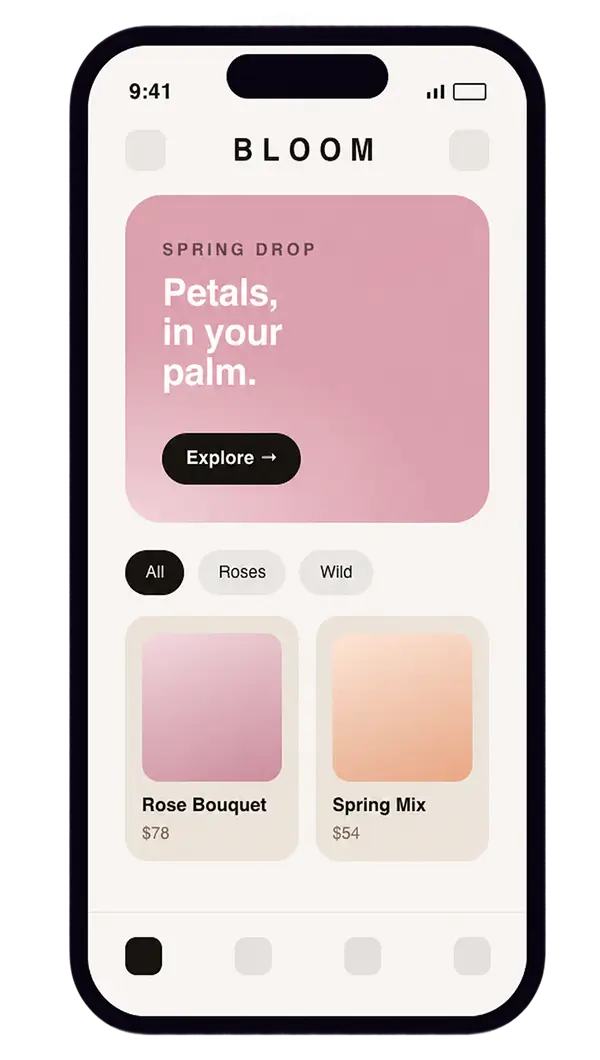
Beauty and florals Soft, editorial, warm. Curated drops and a delicate type system. 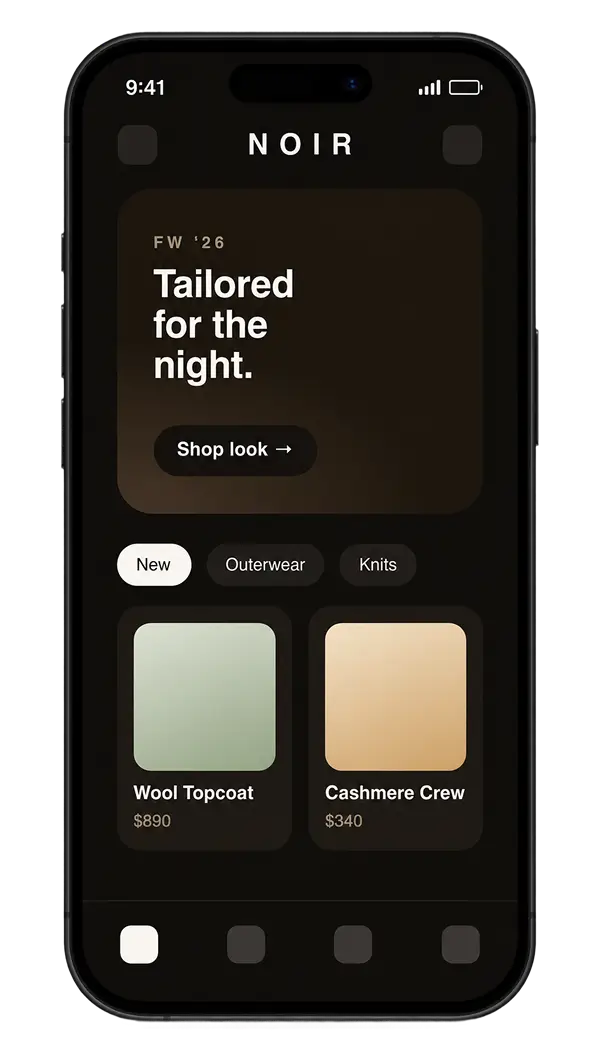
Apparel and luxury Quiet, dark, precise. Heavyweight imagery, restrained palette. 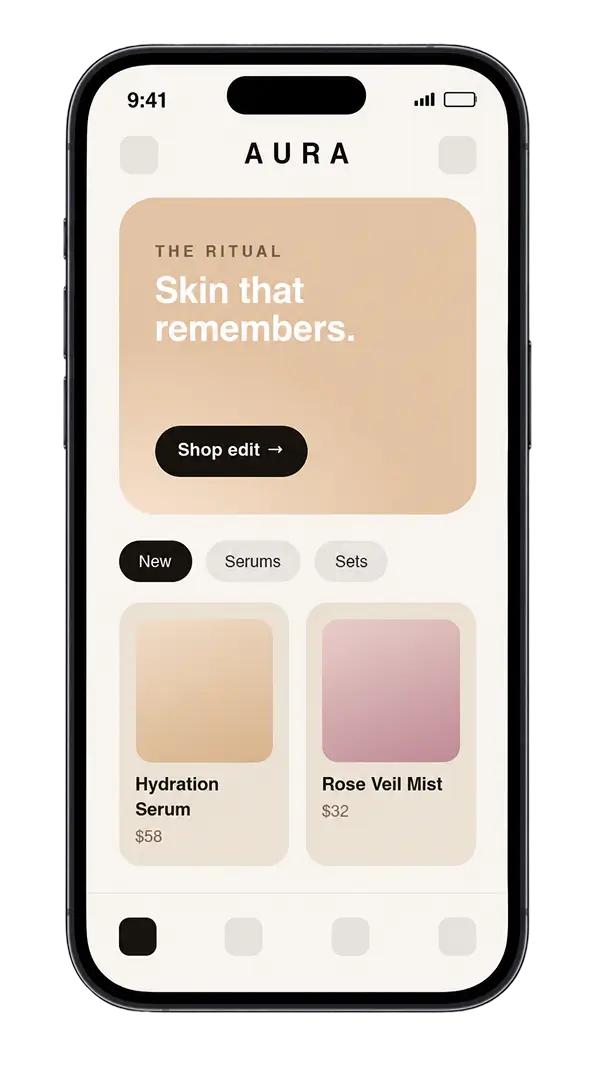
Skincare and wellness Warm, editorial, premium. Story-led modules and repurchase flows.
What this replaces in practice
A traditional mobile agency will typically quote three to six months and a six-figure budget for the same outcome, because they are quoting the reconstruction of commerce basics alongside your brand.
StorefrontOS is a fixed-scope engagement. The exact figure depends on what your store needs, which we establish on a discovery call rather than by publishing a number that would be wrong for most merchants.
Book a 30-minute demo
We look at your store before the call, so what you get is a launch plan for yours rather than a generic walkthrough. You leave with engineering scope and a fixed timeline in writing.
Everything Merchants Ask First
Why not just use the Shop app or a responsive site?
What happens to my Shopify store?
Do I own the app and the code?
Will it really launch in 2 to 3 weeks?
How much does it cost?
What if I need custom features later?
What about Android?
Where to go next
- Shopify Plus Agency
The replatform and integration work around the store itself
- Retail and Commerce
The segment this sits in
- Do it Center
Case study: online and in-store on one platform
- How Pricing Works
How fixed scope gets set
Bring us the backlog.
In 30 minutes, we will show you what a Pod would ship first and how we would price it.